How Do Cameras and Phones Differ for Photography? When Is a Camera Worth Buying?
Camera vs. phone photography involves a trade-off between portable computational photography and larger sensors, interchangeable lenses, sustained control, and RAW workflows; whether a camera is worth buying depends on your subjects and willingness to use it.
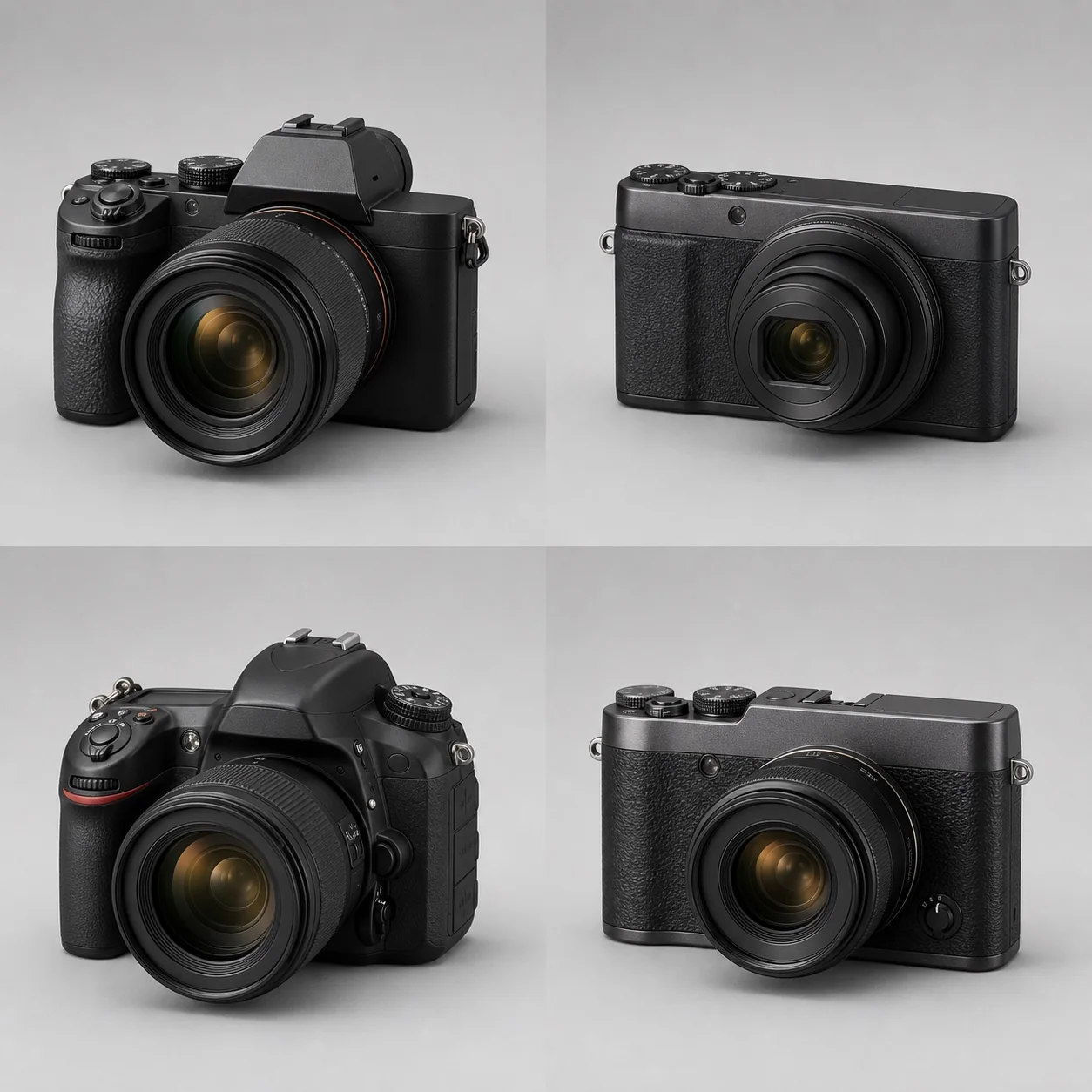
Camera vs. phone photography involves a trade-off between portable computational photography and larger sensors, interchangeable lenses, sustained control, and RAW workflows; whether a camera is worth buying depends on your subjects and willingness to use it.
Phones are easy to carry and use computational photography to produce ready-to-share images quickly. Cameras give you larger sensors, interchangeable lenses, direct control over settings, and more flexibility with RAW files. The better choice depends on what you photograph and how you want to work, not on which device wins a single daytime snapshot.
How Do Sensors, Lenses, and Computational Photography Work Together?
Phone sensors and lenses are small, but phones can capture frames continuously before and after you press the shutter, then perform HDR, noise reduction, depth estimation, and local tone adjustments. The HDR+ burst photography paper and abstract published by Google Research describes underexposed bursts, alignment, and merging. A camera typically gathers more total light in a single frame and offers more real optical choices; it can also combine multiple frames, although its default level of automation may differ. Phone images are usually delivered as fully processed results, while camera RAW files depend more heavily on post-processing.
Phone algorithms can use frames buffered before the shutter press to select ones with less shake, and can process the sky, faces, and shadows separately. This makes everyday backlit shots more consistent, but can also create ghosting around edges, smeared textures, or abrupt color shifts between lenses. Cameras give photographers more explicit control over shutter speed, aperture, flash, and lenses, at the cost of taking responsibility for settings and post-processing.
Why Can't a 100-Megapixel Phone Be Compared Directly with a Camera?
Pixel count says nothing by itself about sensor area, lens resolving power, pixel-binning mode, processing, or output. A phone's high pixel count may provide room to crop or support pixel binning in daylight, but in low light it remains constrained by its small entrance pupil and limited total light. For the full picture, see Do More Megapixels Mean Better Quality?.
For a fair comparison, standardize the final field of view and output size—for example, export both images as 12MP JPEGs with the same composition—instead of viewing a 45MP camera image at 100% while looking at the phone image only as a screen-sized preview. You should also compare default, ready-to-share images separately from editable RAW files, because they answer two different questions: “Can I press the button and share?” and “What is the post-processing ceiling?”
Which Is Better in Low Light, with Motion, for Depth of Field, and at Long Reach?
A phone's night mode works well for relatively static scenes, and multi-frame alignment can substantially improve handheld results. With fast-moving subjects, however, compositing may create ghosting, while a camera's fast lens and high shutter speed offer more control. Phone portrait blur often relies on depth estimation, which can fail around hair and transparent objects. A camera gets continuous depth of field from a real entrance pupil, but it also places greater demands on focusing.
True telephoto reach requires sufficient focal length and entrance pupil diameter. A phone's periscope camera is convenient but constrained by miniaturization; a camera's interchangeable telephoto lenses have a clear advantage, at the cost of weight and price. Sports, birds, and stage performances also require continuous tracking, a low-latency viewfinder, and enough buffer capacity. You cannot infer dynamic hit rates from a “30x” example of a static building.
How Do Control, Battery Life, and Workflow Differ?
Cameras offer physical shutter controls, a viewfinder, a grip designed for extended use, flash support, and accessory connections, making them well suited to repeated settings and intensive shooting. Phones stay connected and combine capture, editing, and sharing in one workflow. Camera files need to be read from a card, backed up, and color-graded; before choosing RAW, learn about RAW, JPEG, and HEIF.
Phones can record RAW too, but that does not mean they bypass computational processing completely. Apple's explanation of ProRAW explicitly says it combines standard RAW information with iPhone image processing while preserving room to adjust exposure, color, and white balance. When evaluating results, specify the app, lens, RAW type, and whether night mode or HDR was enabled. Simply writing “phone RAW” is not enough.
Do You Need to Bring a Camera When Traveling?
If you mainly record daytime landscapes, food, and social-ready images, your phone is the device you are most likely to actually use. If you plan to shoot wildlife, astrophotography, fast-moving children, large prints, or have a clear lens-based visual style in mind, a camera offers more value. A camera left in the bag cannot turn its theoretical image quality into photographs.
Before a trip, run a “friction-of-use” test: carry your phone and a borrowed camera together for three consecutive days, and for each scene record what you chose, why you missed a shot, and which final image you liked best. If the camera only offers a clear advantage when you use a tripod at sunset, rent one or bring it only for specific itineraries. You do not need to turn every trip into an equipment-hauling exercise.
How Can You Use Your Own Photos to Decide Whether a Camera Is Worth Buying?
- Pick 30 failed images from your phone over the past three months. Mark each one as a lack of telephoto reach, motion blur, low-light ghosting, blurred-edge artifacts, slow controls, or simply a composition and lighting problem.
- Put only failures a camera could directly improve into your requirements list. Filter preferences, dirty lenses, and not knowing how to organize files are not hardware justifications.
- Borrow a candidate camera and the lenses you plan to buy, then reshoot your three most common scenes. Compare detail at the same final size, hit rate, operating time, and how often you actually carry the kit.
- Calculate the full cost: lenses, cards, batteries, a bag, backup storage, and a computer—not just the body's promotional price.
- Buy if the camera repeatedly solves problems with telephoto reach, action, commercial delivery, or video connections—and you are willing to carry it and process the files every week. If your phone's default images already meet your needs, keeping the phone is a reasonable choice.
People who need continuous tracking for sports or birds, large prints, commercial delivery, system lighting, or long-form video connections are more likely to benefit from a camera. Before buying, use the five-step camera buying guide to prioritize tasks and budget, and understand the structural differences between mirrorless and DSLR cameras. Do not list “looking professional” as an image-quality requirement in itself.