Do more megapixels always mean better image quality?
More megapixels can provide extra detail and cropping room, but image quality also depends on the lens, focus, camera shake, diffraction, processing, and output size. More pixels do not automatically mean better high-ISO performance, dynamic range, or color.
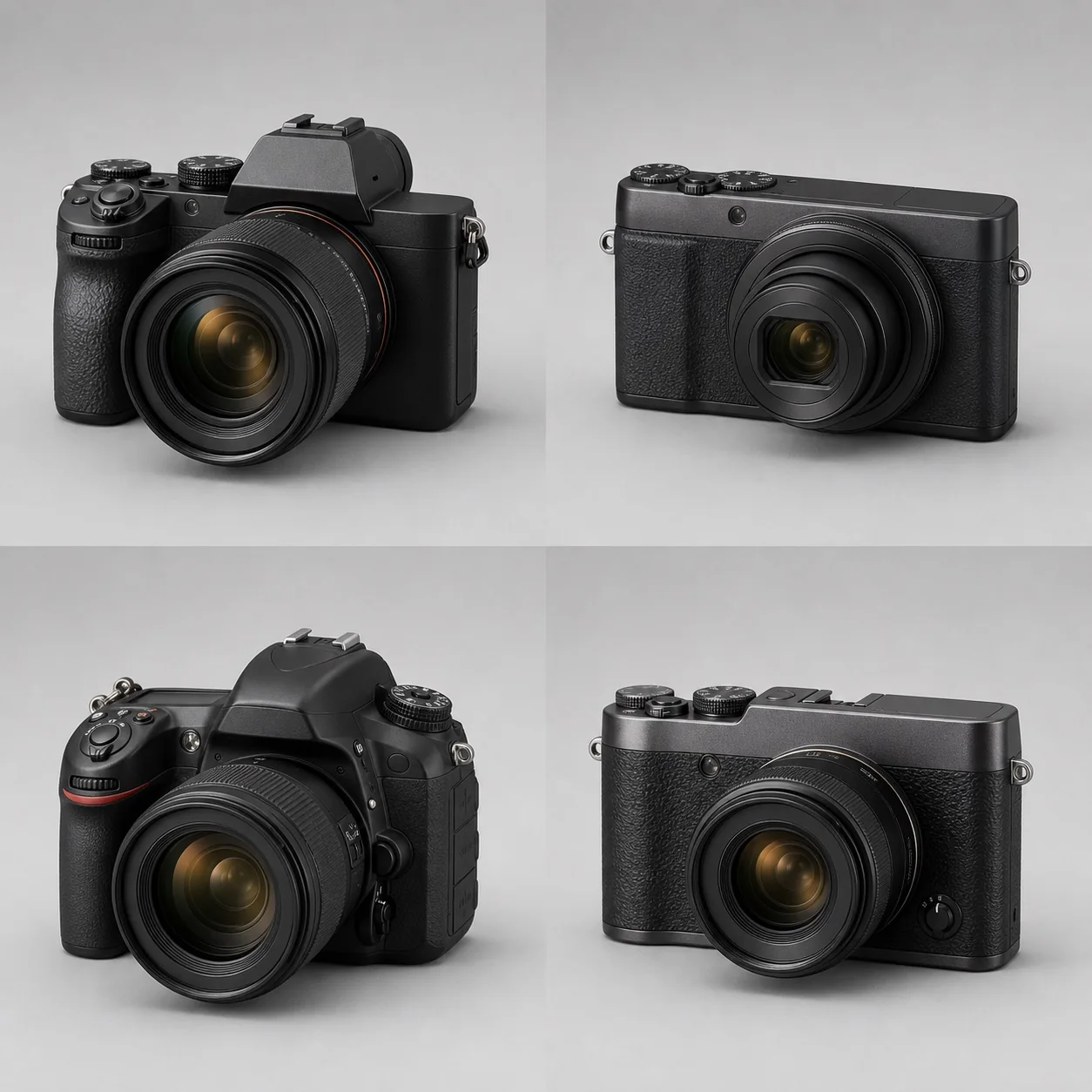
More megapixels can provide extra detail and cropping room, but image quality also depends on the lens, focus, camera shake, diffraction, processing, and output size. More pixels do not automatically mean better high-ISO performance, dynamic range, or color.
More pixels can increase potential detail and give you more room to crop, but final sharpness is still limited by the lens, focus, camera shake, diffraction, processing, and output size. Megapixel count does not directly mean better high-ISO performance, dynamic range, color, or overall image quality; the benefits of a high-resolution sensor appear only when the capture chain and the final output genuinely require them.
What does a megapixel count actually represent?
“24 megapixels” means that the sensor has roughly 24 million effective sampling positions. It does not mean the camera can resolve 24 million independent details. CIPA DCG-001 specifically defines how specifications such as total pixels, effective pixels, and recorded pixels are labeled, so do not treat these figures as interchangeable when comparing cameras. Bayer-array images must also go through demosaicing, sharpening, and noise reduction; roughly 6000×4000 pixels is the intuitive width and height of a 24-megapixel recorded image.
Pixel count sets the upper limit for sampling. The contrast transferred by the lens, the low-pass filter, focus, and motion blur determine how much real detail reaches that limit. When a photo is not sharp, start with how to troubleshoot blurry photos instead of immediately blaming insufficient resolution.
How many pixels do different outputs actually need?
300 ppi is a common starting point for high-quality close-viewing prints, not a hard visual threshold. According to Adobe's explanation of the relationship between image size and resolution, print dimensions can be calculated by dividing the pixel dimensions by the ppi: a 6000×4000-pixel image at 300 ppi is approximately 20×13.3 inches. A 4K web display is about 3840×2160 pixels and therefore needs only roughly 8.3 million displayed pixels; as viewing distance increases, the required pixel density falls.
When calculating, first determine the final width and height, crop ratio, and print resolution, then leave some margin for composition and correction. Pixel-pitch and density calculations can help compare sensors, while social platforms often resize and compress images, so a high-resolution original file may not show more detail on a phone.
Why do the lens and shooting stability become bottlenecks?
A smaller pixel pitch records lens aberrations, slight camera shake, and focus errors more clearly. A high-resolution camera does not “create blur”; it simply gives these problems fewer chances to remain hidden within a single pixel. After files are reduced to the same output size, a high-resolution image may still retain an advantage, but 100% crops are not a fair same-size comparison.
The lens also cannot be reduced to a simple “not sharp enough to feed the sensor” label. Even when a lens cannot deliver extremely high contrast at every pixel, additional sampling may still improve overall detail and reduce aliasing. The real answer depends on spatial frequency, aperture, and position within the frame.
Do more megapixels always mean more noise?
With the same-generation technology and the same sensor format, a smaller pixel receives less light on its own, so noise may look more obvious when viewed at 100%. But when two photos are scaled to the same output size, multiple pixels work together to describe the same area, and the difference may shrink considerably. Sensor area, total light gathered, quantum efficiency, and readout circuitry matter more than the size of an individual pixel.
Do not treat pixel density and high-ISO noise as one simple cause-and-effect relationship. For a full explanation of where image noise comes from, see how camera image noise is created; for diffraction caused by stopping down too far, see aperture and image quality.
What practical costs come with high resolution?
- RAW/JPEG files are larger, increasing pressure on card capacity, backups, and network transfers;
- burst buffers fill sooner, while card-writing and import times become longer;
- noise reduction, compositing, panoramas, and video oversampling demand more from the processor and graphics memory;
- lens limitations, shutter vibration, and focus errors become easier to see;
- some cameras reduce burst or video readout speeds in high-resolution modes.
These costs are not reasons to reject a high-resolution camera; they are part of budgeting for the entire workflow.
Who benefits from high resolution, and who does not need to chase it?
Commercial still life, landscapes, large prints, artwork reproduction, and wildlife photography that requires substantial cropping are more likely to benefit. News, events, long high-speed bursts, fast delivery, and users whose work is primarily viewed as small web images may care more about readout speed, buffer capacity, low-light performance, and storage efficiency.
Before buying, do the calculation once: work backward from the most common output size and expected crop ratio to determine the pixel count, then check whether the lens, computer, and storage are a good match. High resolution is a reserve of capability, not a single ranking of camera class.