What to Check When Buying a Used Camera
When inspecting a used camera, verify the model, serial number, and ownership history, then check for drops and water damage, sensor issues, shutter count, autofocus, stabilization, screen, ports, card slots, battery condition, and transaction records.
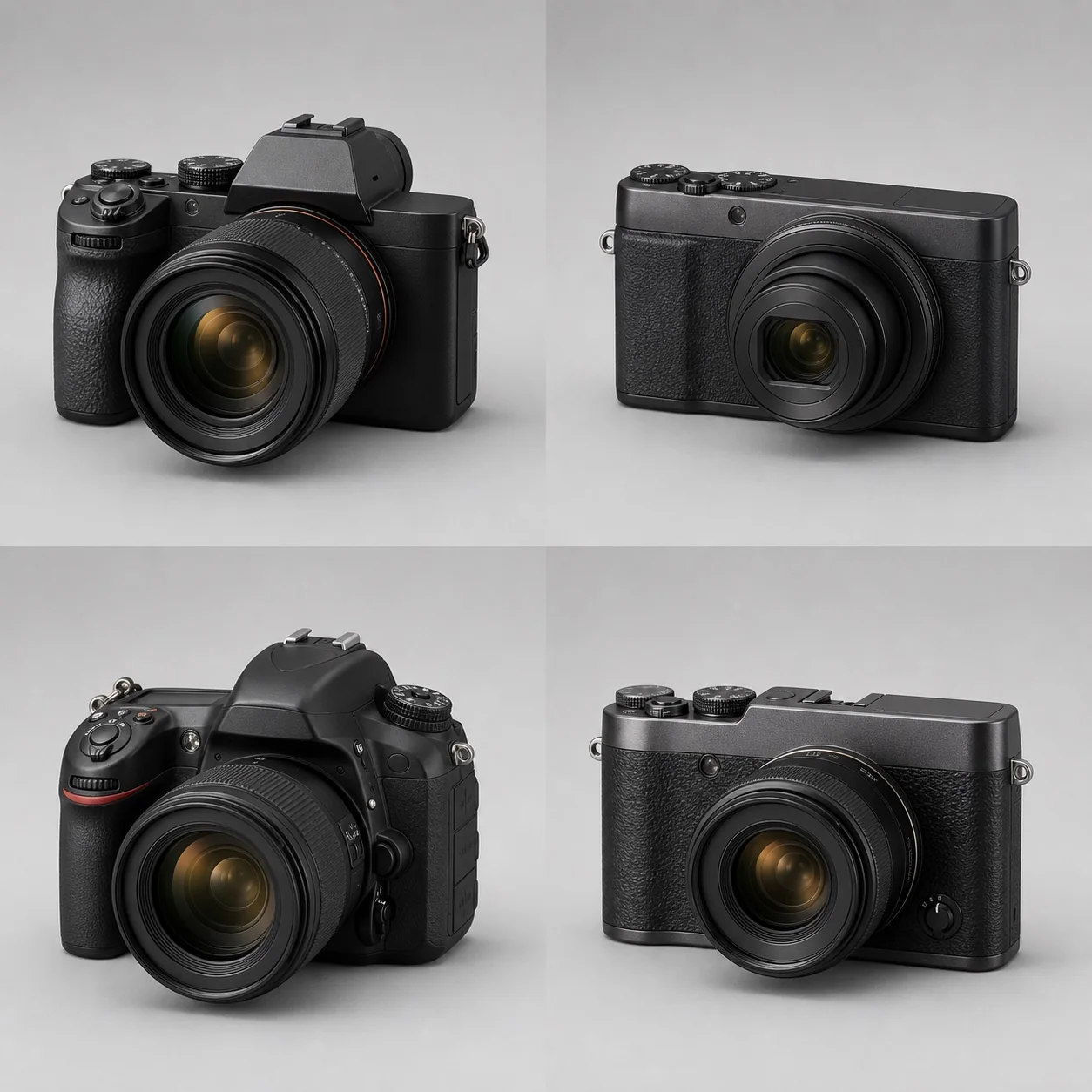
When inspecting a used camera, verify the model, serial number, and ownership history, then check for drops and water damage, sensor issues, shutter count, autofocus, stabilization, screen, ports, card slots, battery condition, and transaction records.
Start by confirming the exact model, serial number, purchase history, and repair history. Then check for signs of drops or water damage, and test the sensor, shutter, autofocus, stabilization, screen, viewfinder, ports, card slots, and battery. Shutter count is only one data point; it cannot replace a full function test and a transaction history you can verify.
What information should you verify before the sale?
Ask the seller for high-resolution photos of every side of the body, a partially obscured serial number, original sample photos, a way to verify the shutter count, proof of purchase, and service records. Confirm the regional model variant, menu languages, included charger, and warranty status. A price far below the market rate, combined with pressure to pay outside the platform, is a major warning sign.
Check the specifications in the camera database so you do not mistake a similar-looking model, a regional name variant, or an incomplete accessory package for the same version.
How do you check the exterior and signs of water damage?
Inspect the mount, base, top LCD, hot shoe, and strap lugs for impact damage or deformation. Look for tool marks on the screws and areas where the exterior covering looks unusually new or worn compared with the rest of the body. Open the battery compartment, card slots, and port covers and check for green corrosion, white deposits, grit, and unusual odors. Minor paint wear does not necessarily indicate internal problems, but severe corrosion is a reason to walk away or have the camera professionally inspected.
Weather sealing does not guarantee that a camera has never been exposed to water. See how camera weather sealing works for the limitations.
How do you test the sensor and dead pixels?
Mount a reliable lens and photograph an evenly lit bright surface at F11–F16, low ISO, and with moderate defocus. Look for fixed dark spots; if they change after swapping lenses or using a blower, they are more likely to be dust. Then photograph an evenly dark area and a normally exposed scene to check for numerous fixed bright pixels, abnormal lines, and scratches. KEH's used gear grading and inspection page also includes computer-based inspection and test charts for focus, sensor dust or damage, and hot pixels. Scratches and coating damage are more serious than ordinary dust that can be cleaned.
For dust removal, see the camera sensor cleaning guide.
How do you test the shutter, autofocus, stabilization, and burst shooting?
Test the mechanical shutter, electronic front-curtain shutter, and electronic shutter separately. Listen for unusual sounds and check that exposures remain even at different shutter speeds. Use a static, textured subject to test single-shot autofocus, then move closer to your subject and test continuous tracking. Take handheld shots at slow shutter speeds with stabilization switched on and off for comparison. Use the fastest burst mode to write to the card and watch for lockups, errors, and normal recovery from the buffer.
For context on what the number means, see shutter count and shutter life. A low count cannot compensate for other functional problems.
What should you check on the screen, viewfinder, ports, and battery?
Move a vari-angle screen through its full range and test the flex cable and touch controls. On the EVF, check for dead pixels, diopter adjustment, and the eye sensor. Test the USB, HDMI, microphone, headphone, hot shoe, remote, Wi‑Fi, and Bluetooth connections one by one. If the camera has two card slots, format, shoot, and play back from each slot separately. Check the battery for swelling, clean contacts, battery health, and signs that it is genuine. An aging battery is mainly a negotiating point; a swollen battery should be taken out of service.
Used camera transaction safety checklist
- Test the camera in person at a public location with power available and enough time to work through the checks.
- Bring a known-good lens, card, battery, card reader, and computer.
- Record the seller's custom settings before resetting the camera, then confirm the firmware version after testing.
- Write the serial number, included accessories, known defects, and return terms into the agreement.
- Use a traceable payment method, never share verification codes, and do not accept suspicious links.
- For online purchases, keep the listing, chat, payment, and unboxing records. These records do not replace the platform's policies. The FTC's advice on avoiding online shopping scams recommends checking seller reviews and complaints before ordering, keeping receipts and order numbers, and being wary of sellers who accept only gift cards, wire transfers, payment apps, or cryptocurrency. Actual protection and dispute handling depend on the laws where you live and the platform's terms.
For the verification process, see the camera firmware update guide.
References
- KEH: Used Camera Gear Grading and Inspection
- FTC Consumer Advice: How to Avoid an Online Shopping Scam