Can You Use Full-Frame Lenses on APS-C Cameras? What About the Reverse?
Whether a full-frame lens works on an APS-C camera depends first on the mount; when compatible, it usually does. An APS-C lens on a full-frame body may cause vignetting or trigger crop mode, reducing output resolution.
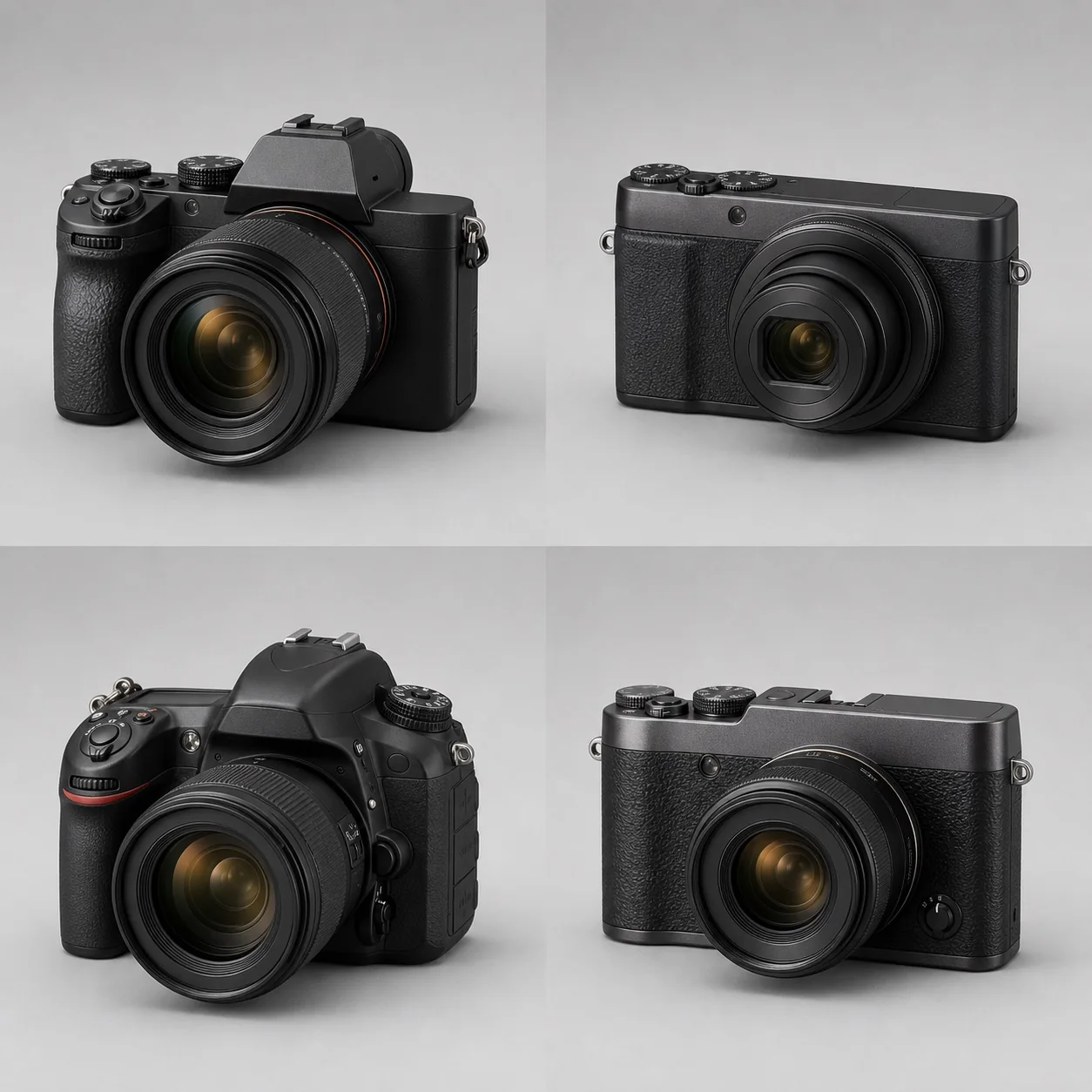
Whether a full-frame lens works on an APS-C camera depends first on the mount; when compatible, it usually does. An APS-C lens on a full-frame body may cause vignetting or trigger crop mode, reducing output resolution.
When the mount is compatible, a full-frame lens can usually be used on an APS-C body; the camera records only the central part of the lens's image circle. Mounting an APS-C lens on a full-frame body may produce vignetting, and some bodies will prevent the lens from being mounted or automatically switch to crop mode, reducing the output resolution along with the area being used.
Why Should Mount Compatibility and Image-Circle Coverage Be Considered Separately?
The mount determines whether the lens can be attached mechanically and communicate electronically; the image circle determines whether the image projected by the lens covers the sensor. Full-frame lenses have a larger image circle, so an APS-C sensor usually sits within its center; APS-C lenses are designed for a smaller format and may not cover the edges of a full-frame sensor.
The same brand does not guarantee the same mount. For a complete checking method, see the Camera-Lens Mount Compatibility Guide. Confirm that the lens can be mounted first, then assess coverage and functionality.
What Happens When a Full-Frame Lens Is Used on APS-C?
There is usually no vignetting, and the outermost part of the lens's image circle is avoided, but that does not mean the edges will always be perfect or that using only the “sweet spot” necessarily makes the image sharper. APS-C sensors may have a higher pixel density, placing greater demands on central resolution, focusing, and resistance to camera shake. A full-frame lens may also be larger, heavier, and more expensive than a dedicated APS-C lens.
The focal length and f-number do not change. A 50mm F1.8 remains a 50mm F1.8; the APS-C camera simply records a narrower angle of view. For cross-format angle-of-view comparisons, use Equivalent Focal Length and Crop Factor.
What Happens When an APS-C Lens Is Used on Full Frame?
If the mount allows it, the lens may show pronounced vignetting at the wide end, degraded edge quality, or mechanical obstruction. For example, the Canon EOS R3 manual states that when an RF-S or EF-S lens is attached, the camera is fixed to an approximately 1.6× central crop, and RAW files do not record data outside the cropped area. This is an implementation for that model and cannot be taken to mean that every system permits or prohibits disabling automatic cropping.
A small number of mounts restrict attachment to prevent interference from the lens's rear group. Do not force the lens to rotate into place or remove structural parts. Follow the manufacturer's compatibility table.
How Many Pixels Are Lost in Crop Mode?
With a linear crop factor of 1.5×, the area used is approximately 1/2.25 of the full-frame area. Cropping a roughly 45-megapixel full-frame sensor theoretically leaves about 20 megapixels; a 1.6× crop means dividing by about 2.56. The Nikon D780 Image Area documentation also clearly distinguishes the FX 36×24mm and DX 24×16mm recording areas and describes the automatic crop behavior for DX lenses. The actual pixel count still needs to be checked against the output specifications for the exact camera model.
The formula is: cropped pixels ≈ full-frame pixels ÷ crop factor². Do not look only at how many times the focal length is “multiplied” and forget that area decreases by the square of the factor. The Camera Calculations page can be used for verification.
Is Mounting a Full-Frame Lens on APS-C a Waste?
If the lens gives you the focal lengths, aperture, focusing performance, and future upgrade path you need, it is not a waste. If the same system offers a lighter, less expensive APS-C lens for the same use, taking on extra size and cost for a possible future upgrade may not be worthwhile. Also check the wide end: a full-frame standard zoom often loses its genuinely wide-angle range when used on APS-C.
A Checklist Before Upgrading Systems
- Check the mount, image-circle coverage, and whether automatic cropping is supported.
- Calculate the equivalent angle of view and the pixel count after cropping rather than assuming the focal length changes.
- Compare the full-frame and native APS-C lenses in total weight, price, and focal-length range.
- Check limitations on stabilization, focusing, distortion correction, and high-speed modes.
- Sacrifice current usability for the future only when you have a clear upgrade timeline and a specific target lens.
For the broader format choice, see Full Frame vs. APS-C: Which Should You Choose?; for common dimensions, see the Sensor Size Chart.