Can Lenses from Different Brands and Mounts Be Used Interchangeably?
Whether a camera lens can be used interchangeably depends first on the mount, not the brand name; cross-mount use usually requires an adapter and may affect autofocus, stabilization, correction, and firmware compatibility.
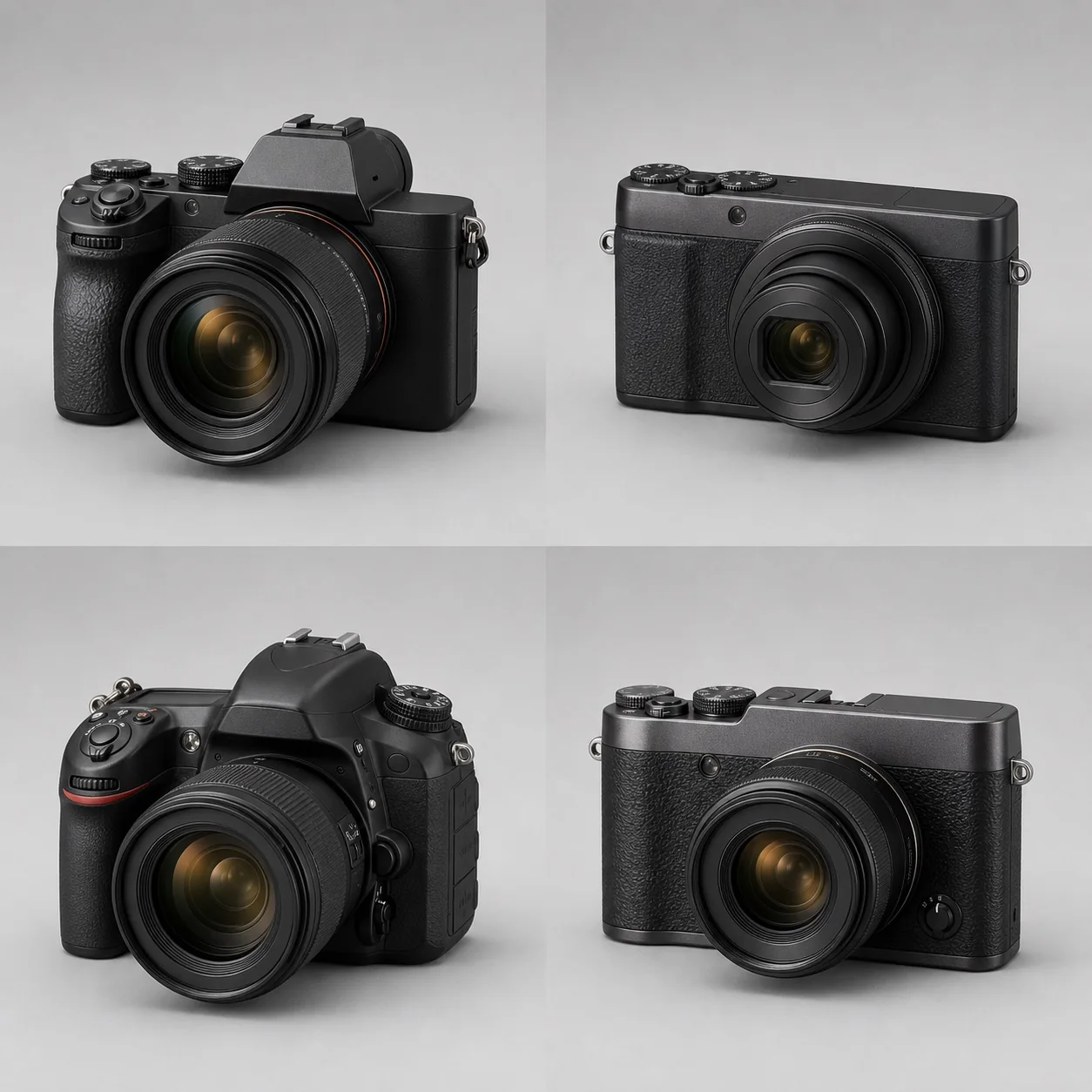
Whether a camera lens can be used interchangeably depends first on the mount, not the brand name; cross-mount use usually requires an adapter and may affect autofocus, stabilization, correction, and firmware compatibility.
Whether a lens can be used directly depends first on the mount, not the brand name. A single brand may have separate, incompatible mounts for DSLRs, full-frame mirrorless cameras, and APS-C systems; cross-mount use usually requires an adapter and may affect autofocus, stabilization, aperture control, in-camera corrections, and firmware compatibility.
What does the mount determine?
The mount defines the mechanical dimensions, locking direction, flange focal distance, electronic contacts, and communication protocol. Being able to twist a lens into place does not mean that every function will work: the camera must also recognize the lens, control its aperture and focus, read distance and EXIF data, and may need to exchange stabilization and aberration-correction information.
When buying, check the complete mount name for both the lens and the camera—for example, Canon EF, EF-S, RF, or RF-S, and Nikon F or Z—instead of looking only for “Canon mount” or “Nikon mount.” Third-party lenses with the same brand-compatible mount are also produced in different mount versions, and a lens mount cannot be changed casually after purchase.
Why does one brand have multiple mounts?
DSLRs need room for a reflex mirror. Once mirrorless cameras remove that mirror, they can use a shorter flange focal distance and a new electronic protocol, so older DSLR lenses generally cannot be mounted directly on a newer mirrorless mount. Canon’s EOS R5 adapter installation guide explicitly requires EF/EF-S lenses to be mounted through an EF-EOS R adapter, a concrete example of “same brand, different mount.” APS-C and full-frame systems sometimes share a mechanical mount, while in other cases they use different sub-series that restrict mounting or trigger automatic cropping.
The image circle and the mount are two separate considerations. Once the mount matches, you still need to determine which sensor format the lens covers; see Full-Frame Lenses on APS-C Cameras for details.
Why does flange focal distance matter for adapters?
Flange focal distance is the designed distance from the mount reference surface to the sensor. When a lens with a longer flange focal distance is adapted to a camera with a shorter one, an adapter ring can fill the difference while preserving infinity focus. In the opposite direction, without optical elements, the lens often cannot form an image at the correct position or focus at infinity.
Even when the geometry allows an adapter, the mount diameter, a protruding rear lens group, mechanical interference, and the electronic protocol may still prevent use. See Do Lens Adapters Affect Image Quality? for the specific implications.
Which functions may be limited after adapting?
- Autofocus speed, continuous tracking, or smoothness during video may decrease;
- aperture control may be manual only, or the aperture may remain at a particular position when the camera is powered off;
- lens and in-body stabilization may not work together;
- EXIF, distortion, vignetting, and chromatic-aberration profiles may be unavailable;
- high-speed continuous shooting, pre-capture, or certain focus areas may be restricted;
- compatibility may change after a firmware update.
Manufacturer adapters usually come with clear support tables. For third-party combinations, check the specific firmware versions of both the adapter and the lens; “supports EF” is not enough to cover every lens.
What should you check before buying?
- Write down the camera’s complete model, mount, and sensor format.
- Check the mount version and image circle on the lens markings and the manufacturer’s specifications. Nikon’s NIKKOR Lens Type Compatibility Guide, for example, distinguishes AF, AF-S, AF-P, D, G, E, and DX markings, showing why “Nikon F mount” alone is not enough to confirm full functionality.
- Confirm whether the lens will be mounted directly, with a manufacturer adapter, or with a third-party adapter.
- Check support for autofocus, aperture, stabilization, EXIF, corrections, and video.
- Check firmware, mechanical interference, tripod collars, and the balance between the lens and camera.
- Compare the cost of adapting with the price, size, and reliability of a native lens.
Choosing a system involves more than choosing a camera body. Use the five-step camera selection guide to assess your long-term lens budget, and browse the camera database to compare models.
References
- Canon EOS R5 Advanced User Guide: Attaching/Detaching EF and EF-S Lenses
- Nikon: Which NIKKOR Lens Type Is Right for Your DSLR?