Why are my photos blurry? Focus, camera shake, and subject motion
Diagnose blur by its shape: detail in front of or behind the subject suggests missed focus; matching trails across the frame suggest camera shake; blur only on moving parts suggests subject motion.
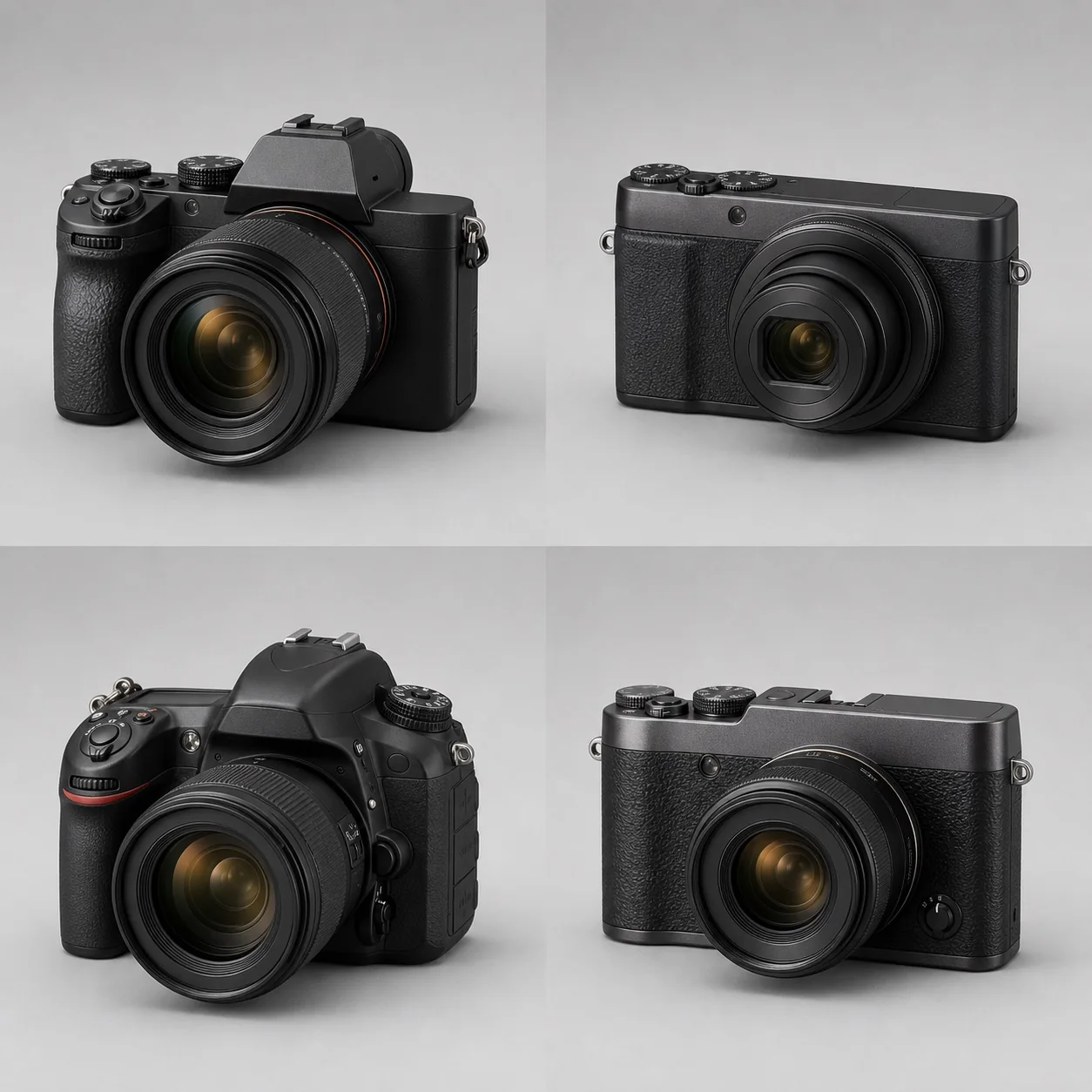
Diagnose blur by its shape: detail in front of or behind the subject suggests missed focus; matching trails across the frame suggest camera shake; blur only on moving parts suggests subject motion.
Start by magnifying the original file and looking at the shape of the blur. If a sharp area exists in front of or behind the subject, focus probably landed in the wrong place. If the entire frame shows similar directional ghosting, camera shake is likely. If the background is sharp but moving parts stretch, the subject moved during the exposure. Also rule out insufficient depth of field, dirt on the lens or sensor, excessive cropping, and processing artifacts.
What do the four common kinds of softness look like?
With missed focus, the whole image is often not equally blurred; the sharp plane falls in front of or behind the intended target—for example, the ear is crisp but the eye is not. Camera shake usually gives even stationary objects small trails in a shared direction and becomes more obvious with a telephoto lens or slow shutter. Subject-motion blur affects only the moving parts while the stationary background may remain sharp. Insufficient depth of field means focus is accurate, but parts in front of or behind the focus plane fall outside the acceptably sharp range.
Blaming a “soft lens” should come last. Low-contrast haze, flare from backlighting, high-ISO noise reduction, excessive JPEG compression, diffraction, and viewing a high-resolution image at 100% can all reduce perceived sharpness. Start with why more megapixels do not automatically mean better image quality so output and capture problems are not mistaken for bad equipment.
How can you identify the cause from the image itself?
Inspect the same original file in this order:
- Find the sharpest texture near the intended focus point. If it lies in front of or behind the target, focus position or depth of field is the issue.
- Check stationary, high-contrast edges in the center and corners. Matching double lines in one direction point toward camera shake.
- Compare subject and background. Trails only on hands, feet, wings, or wheels point toward subject motion.
- If the same soft patch or dark spot always appears in a fixed location, inspect the lens, filter, and sensor instead of changing focus settings.
- Examine the RAW file or compare again with less noise reduction and sharpening to rule out waxy detail and sharpening halos caused by processing.
Do not rely only on the camera's small rear-screen preview. Judge the picture at its intended output size, then magnify to 100% to locate a technical cause.
How should you check focus mode and focus area?
For a stationary subject, use single autofocus and avoid rocking forward or backward after focus locks. For a moving subject, use continuous autofocus and keep the target inside the tracking area. Eye detection means the algorithm found an eye; it does not guarantee that the eye will be sharp at the moment of exposure. Low light, obstruction, low contrast, and very shallow depth of field all lower the hit rate. See AF-S versus AF-C for mode selection.
For a controlled test, use a flat, high-contrast target, stable support, and a sufficiently fast shutter, then shoot several frames. Nikon's guide to AF-ON and AF-S/AF-C describes modes for stationary and moving subjects, but the correct mode still does not make every frame sharp. One failed image does not prove that a lens front- or back-focuses. Investigate the body, lens, and firmware only if the error repeatedly falls forward or backward under repeatable conditions.
How should you test shutter speed and stabilization?
Raise the shutter speed by two or three stops and photograph the same stationary target again. If the percentage of sharp frames rises substantially, camera movement was probably involved. If the background stays sharp while the subject remains blurred, increase the shutter speed according to subject speed. Starting points are listed in the shutter-speed guide.
Stabilization compensates only for angular or positional camera movement. It cannot stop a person, pet, or leaf from moving. Nikon's guide to Vibration Reduction limits the feature to reducing blur from camera shake and advises checking the lens instructions for panning and tripod use. Whether in-body and lens systems cooperate also depends on the camera system; do not simply subtract the advertised number of stops from a safe shutter speed.
Why do depth of field, aperture, and pixel count affect the diagnosis?
Close shooting, a wide aperture, and telephoto framing produce shallow depth of field, so areas outside the focus plane are naturally soft. The four factors that determine depth of field help distinguish “focus missed” from “depth of field too shallow.” Stopping down can extend depth of field, but an excessively small aperture adds diffraction and cannot improve detail without limit.
A high-resolution camera shows the image at a larger scale when both files are viewed at 100%, making tiny shake and lens aberrations easier to see. A fair comparison keeps output size, lens, aperture, shutter speed, and processing consistent instead of placing screenshots at different magnifications side by side.
A repeatable troubleshooting checklist
- Clean the front and rear lens elements and remove a questionable protective filter.
- Choose a stationary subject with good light and clear texture.
- Use stable support, a fast shutter, mechanical or electronic first-curtain shutter, and turn off unnecessary noise reduction.
- Shoot several frames with both single-point autofocus and magnified manual focus.
- Compare focus position, trail direction, and different apertures instead of selecting only one frame.
- If every lens behaves abnormally, check the body, sensor, and settings. If only one lens does, cross-test it before arranging service.
References
Next article
What is the difference between AF-S, AF-C, single, and continuous autofocus?