Mechanical vs. Electronic Shutter: Which Should You Use?
Mechanical shutters control exposure with curtains, while electronic shutters use the sensor. Electronic shutters are silent and support faster bursts, but may be limited by rolling shutter, flicker, bit depth, and flash synchronization.
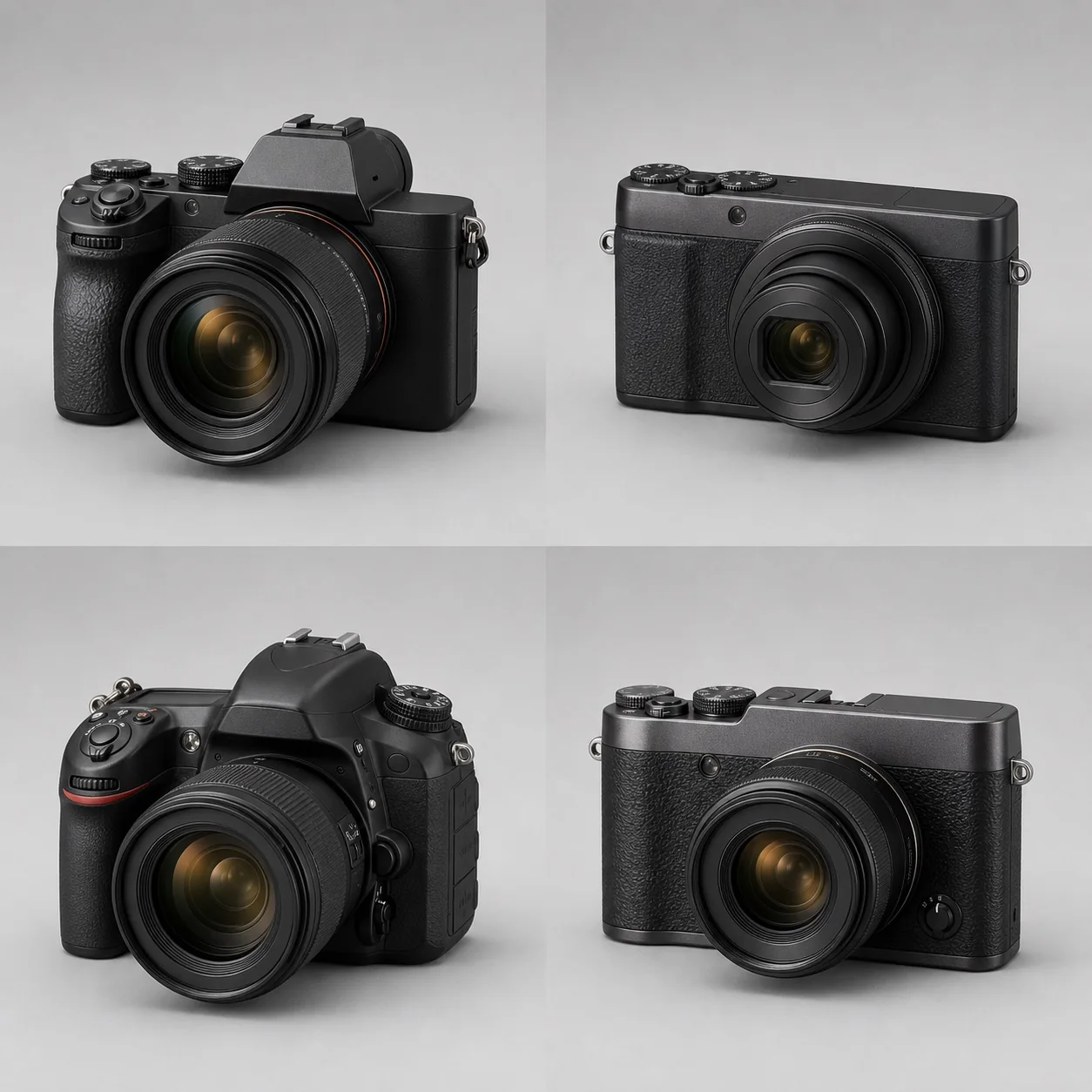
Mechanical shutters control exposure with curtains, while electronic shutters use the sensor. Electronic shutters are silent and support faster bursts, but may be limited by rolling shutter, flicker, bit depth, and flash synchronization.
A mechanical shutter controls sensor exposure with curtains, while an electronic shutter starts and ends the sensor's readout either line by line or all at once. Electronic shutters can be silent and support faster bursts, but cameras with slower readout may show motion distortion, banding under artificial light, changes in RAW bit depth, and flash-sync limitations.
How Do the Two Shutter Types Work?
Canon's explanation of mechanical shutters in DSLRs shows how the front and rear curtains control exposure. At common high shutter speeds, a mechanical focal-plane shutter forms a slit that travels across the sensor. An electronic front curtain starts the exposure electronically and a mechanical rear curtain ends it, which can reduce vibration; however, at wide apertures and high shutter speeds, it may change the shape of out-of-focus highlights or exposure uniformity. A fully electronic shutter does not move the curtains—the sensor controls the readout instead.
An electronic shutter is not the same as a global shutter. Most CMOS sensors still read out line by line; see BSI, stacked, and global-shutter sensors for the specific differences.
How Do Silence, Speed, and Vibration Compare?
Electronic shutters produce no curtain noise or mechanical vibration, making them useful at weddings, for wildlife, and on stage. The camera may still retain an electronic confirmation sound, and some venues prohibit silent shooting. For example, the EOS R5 Mark II's shutter-mode documentation separately lists the vibration, maximum shutter speed, and shooting limitations for mechanical, electronic front-curtain, and fully electronic modes. It also notes that the mode should be chosen carefully at high shutter speeds and wide apertures. These are implementation details of a particular camera, not a universal speed guarantee.
The fastest electronic burst rates often come with a crop, lower bit depth, compressed RAW, fixed exposure, or lens restrictions. Check the footnotes instead of comparing fps alone.
Why Does Readout Speed Cause the Rolling-Shutter Effect?
When the subject or camera moves during line-by-line readout, different lines capture different moments in time. A tennis racket can bend, wheels can become oval, and vertical lines on buildings can lean. Increasing the shutter speed shortens each line's exposure, but it cannot eliminate the time difference across a full-frame readout. See What Is Rolling Shutter? for the full explanation.
Why Are Artificial Light and Flash Restricted?
LEDs, fluorescent lights, and displays can change in brightness or color over time, and electronic line-by-line readout can turn that variation into horizontal bands. Mechanical shutters can also encounter changes in brightness across a frame, but the risk is usually lower. Use anti-flicker or high-frequency anti-flicker features and test them on location; see LED Flicker and Banding for details.
A flash pulse is extremely short. If the sensor is not open all at once, only some lines will be illuminated. With a mechanical shutter, ordinary flash must be used at or below the camera's sync speed. High-speed sync uses a series of pulses to cover the moving slit, but reduces available power. A small number of high-speed or global electronic shutters offer different capabilities.
Does Image Quality or Bit Depth Change?
To speed up readout, some cameras drop to 12-bit, enable lossy compression, or reduce dynamic range when using the electronic shutter or the fastest burst mode. Other stacked or global-shutter cameras can maintain their full output. The mechanical construction itself does not guarantee higher image quality; check the specific mode, firmware, and RAW files.
How Should You Choose by Scenario?
- Still life and landscapes: Electronic front curtain or mechanical shutter can both work; check the shape of out-of-focus highlights at wide apertures and high shutter speeds.
- Sports and birds in flight: When readout is fast enough, the electronic shutter offers a speed advantage; otherwise, use the mechanical shutter to reduce skew.
- Stage and indoor venues: Test the mechanical shutter and anti-flicker features first.
- Silent wedding photography: Check for light banding and motion distortion before relying on the electronic shutter.
- Flash-studio work: Follow the manufacturer's sync table and use the mechanical shutter or an electronic mode explicitly supported by the camera.
For the secondhand-market implications of shutter usage, see Shutter Count and Shutter Life. For sustained shooting speed, see Burst Rate and Buffer.
How Can You Choose a Shutter Mode at the Actual Location?
| Test scene | Mechanical shutter normal, electronic shutter abnormal | What to check if both are abnormal | | --- | --- | --- | | Pan quickly across vertical lines | Electronic image is tilted | Panning speed and lens distortion | | Photograph a gray wall under LED lighting | Electronic shutter shows bright/dark or colored bands | Light-source PWM, shutter speed, and anti-flicker settings | | Photograph circular out-of-focus highlights at a wide aperture and high shutter speed | Electronic front curtain clips the out-of-focus highlights | Cat-eye bokeh, mechanical curtains, and shutter speed | | Photograph a white wall with ordinary flash | Electronic shutter produces a partial black band or does not fire | Sync speed, trigger delay, and flash mode | | Shoot a high-speed RAW burst | Electronic mode changes bit depth or file size | Compression settings, buffer, and card speed |
Before an important assignment, keep the lens, aperture, shutter speed, ISO, and lighting fixed, shoot ten frames in each mode, and verify bit depth, compression, and frame rate in the RAW metadata. For sports, add a fast-moving subject crossing the frame. For stage work, cover the dimmest and brightest lighting levels. For flash, start below the sync speed. Choose the mode that produces no uncorrectable artifacts under the current lighting and motion conditions, rather than treating one shutter type as the universally best default.